Astro
Content collections
Orbit edits your content collections whose entries are Markdown or MDX
(.md / .mdx / .markdown). One file = one document = **frontmatter (a form)
- body (a Markdown editor)**.
- Astro 5+ — a
glob()loader over*.md/*.mdx, wherever its folder is (not justsrc/content). - Astro 2–4 — a
type: 'content'collection (entries insrc/content/<name>/). - Markdown pages in
src/pages/— shown as a site pages section, with each page’s own fields (there’s no schema). New pages are off until you allow them.
For the full list of where Astro sites keep content — and what to do about the places Orbit can’t edit — see Where to put content.
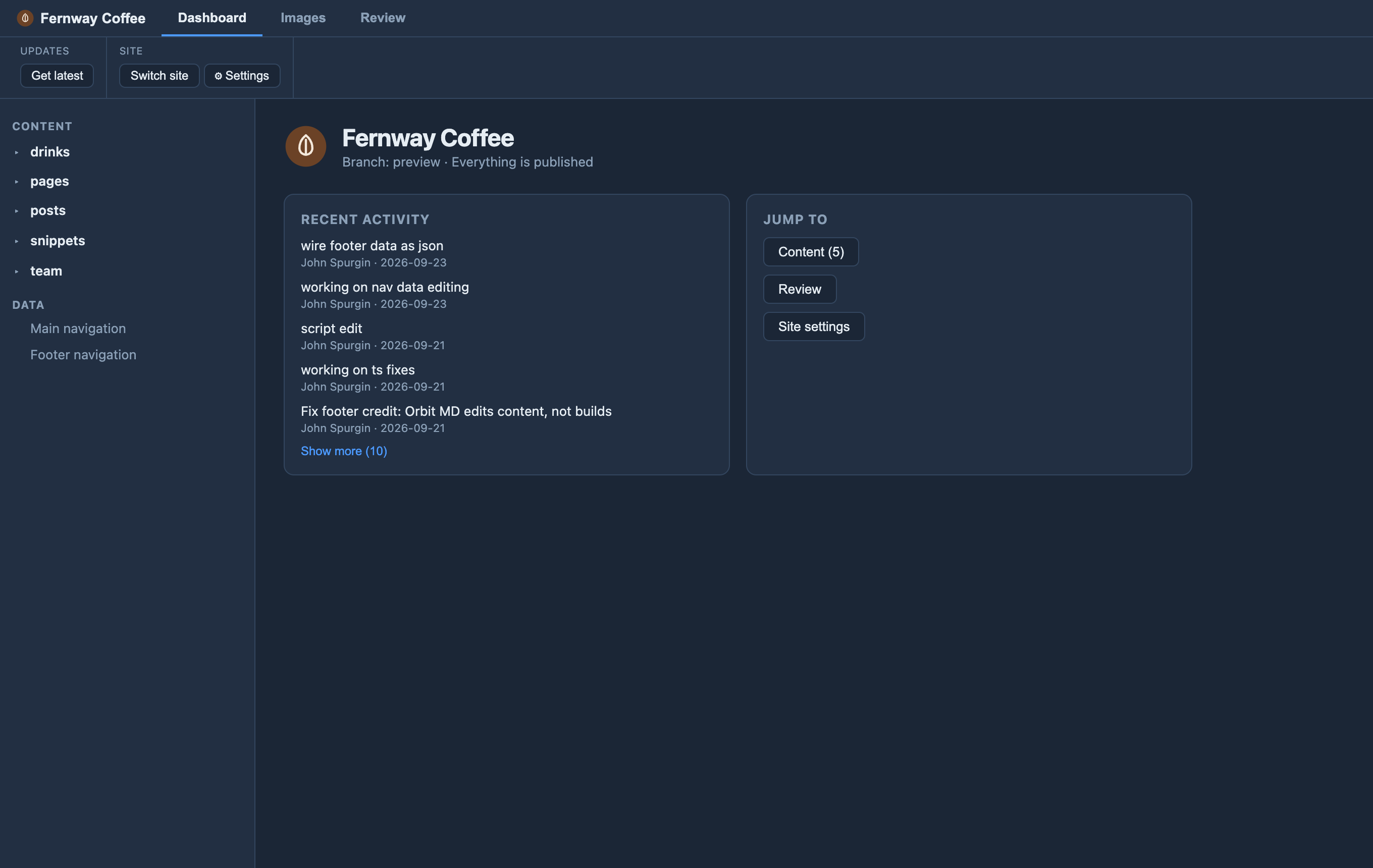
Data files — edited separately
A nav.json, footer.yaml or small site-config file is editable — not as a
collection, but as a data file you list under data: in orbit.config.yaml. A
file() collection (one JSON or YAML file of entries) is added automatically. Each
gets its own form under a Data heading, kept apart from your page content. See
Editable data files.
What it doesn’t edit yet
- Collections of JSON/YAML entry files — a
glob()over*.json/*.yaml. A singlefile()collection, or adata:file, is editable instead. - Custom or remote loaders and live collections — the content isn’t in the repository.
- Words written in
.astrofiles — see Making component pages editable.
Developers can see exactly what Orbit found on a site in Site settings ▸ What Orbit edits, with the reason for anything it can’t edit.