Edit the words and the data — not the design.
Orbit MD is a desktop app that lets your team change your website's pages, posts and data through simple forms — without touching the layout.
Download Orbit MDor see the demo site ↗ — then open it in Orbit and edit the same pages
- Free for one site
- No code, no new account
- Your site stays exactly as it is
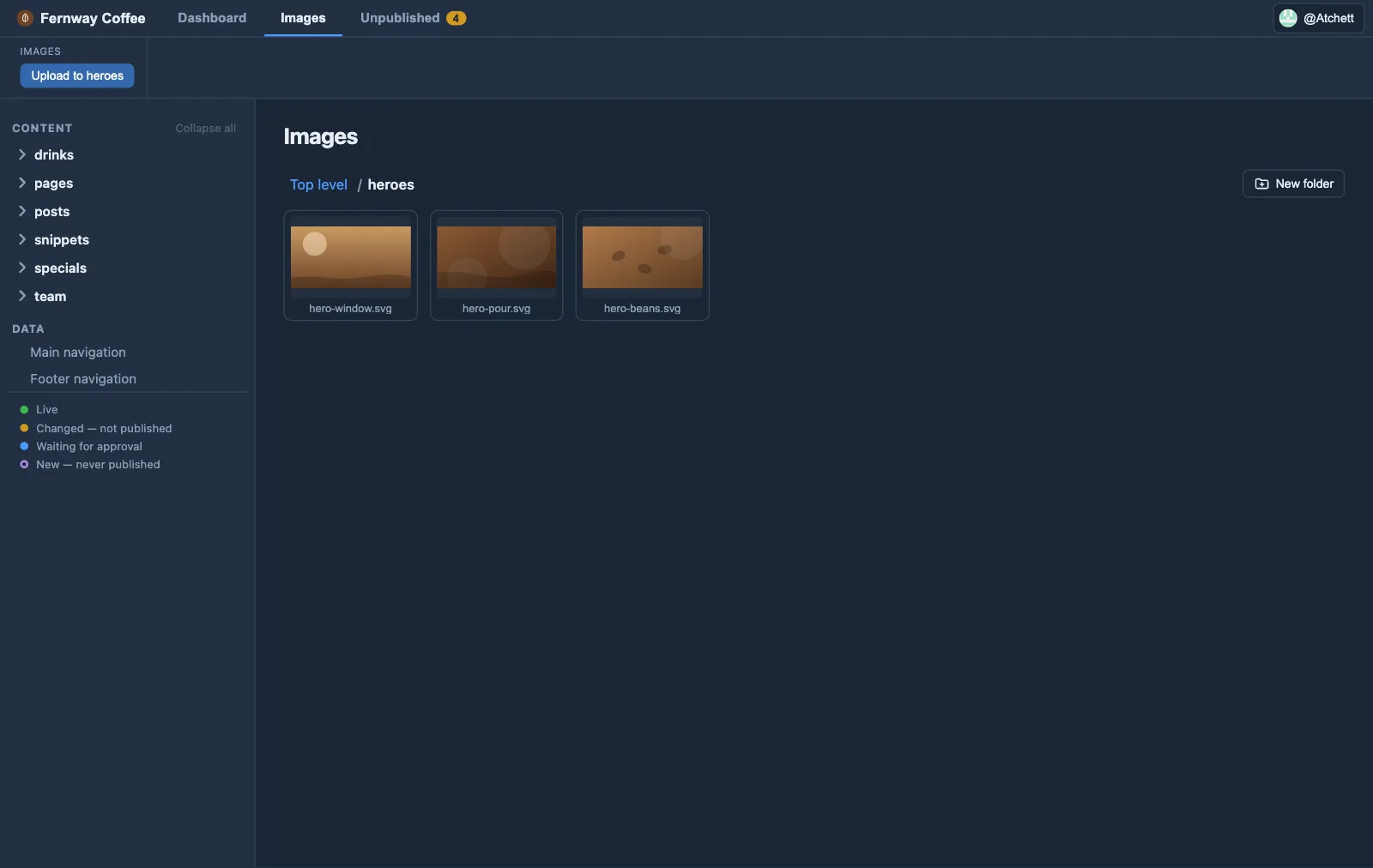
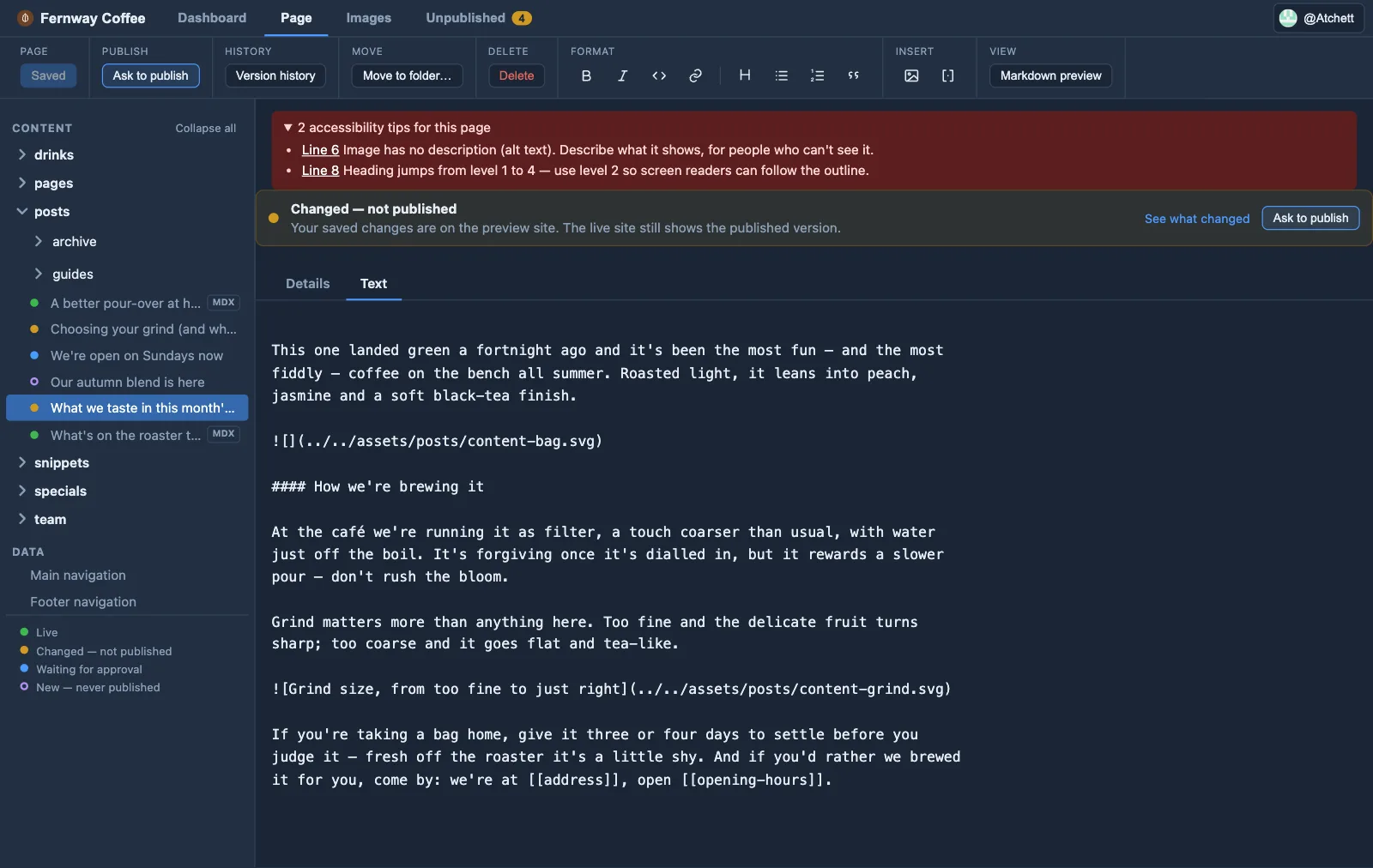
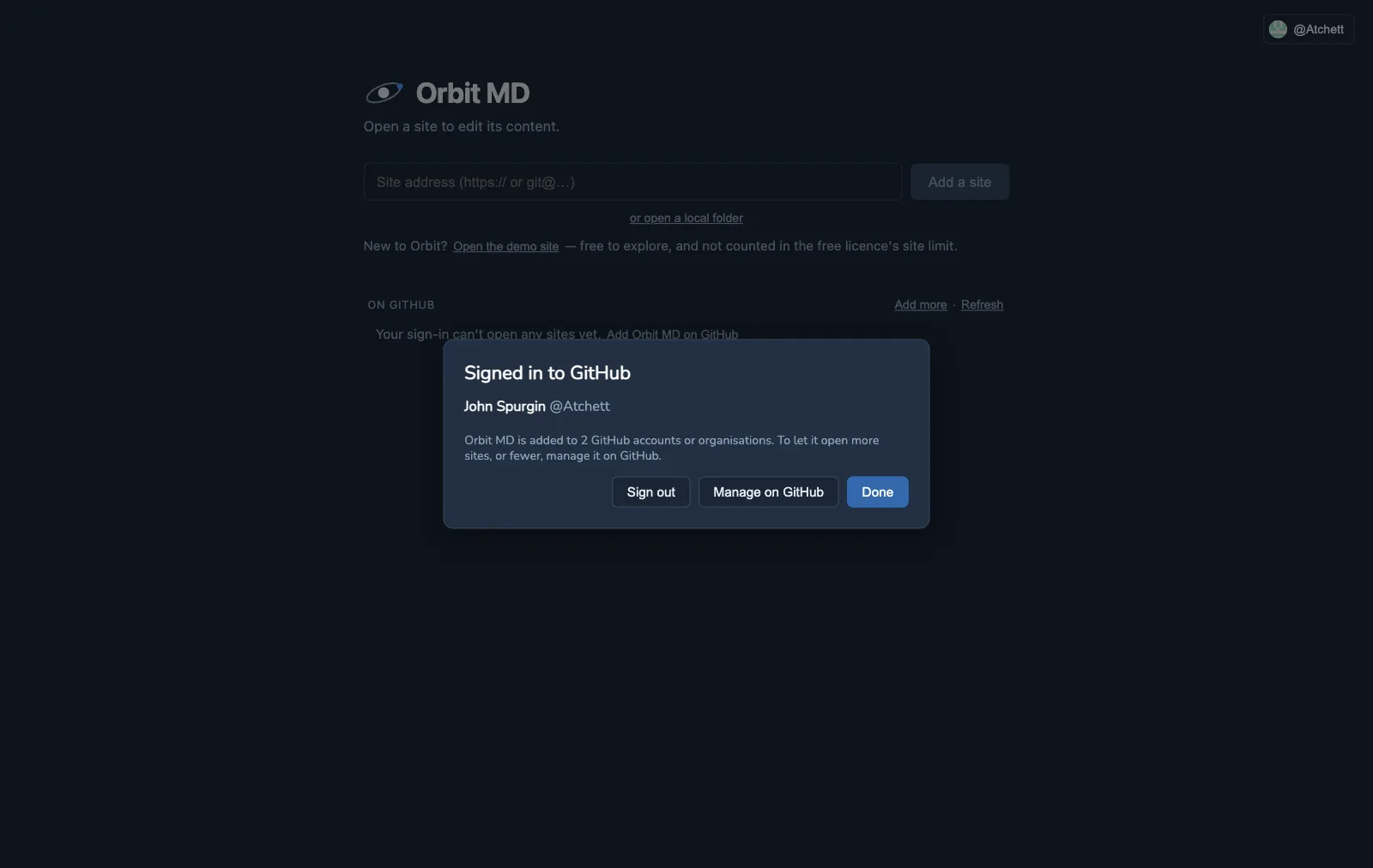
How it works
For websites whose content lives in git (on GitHub, GitLab or elsewhere), built with Astro and other site generators.
-
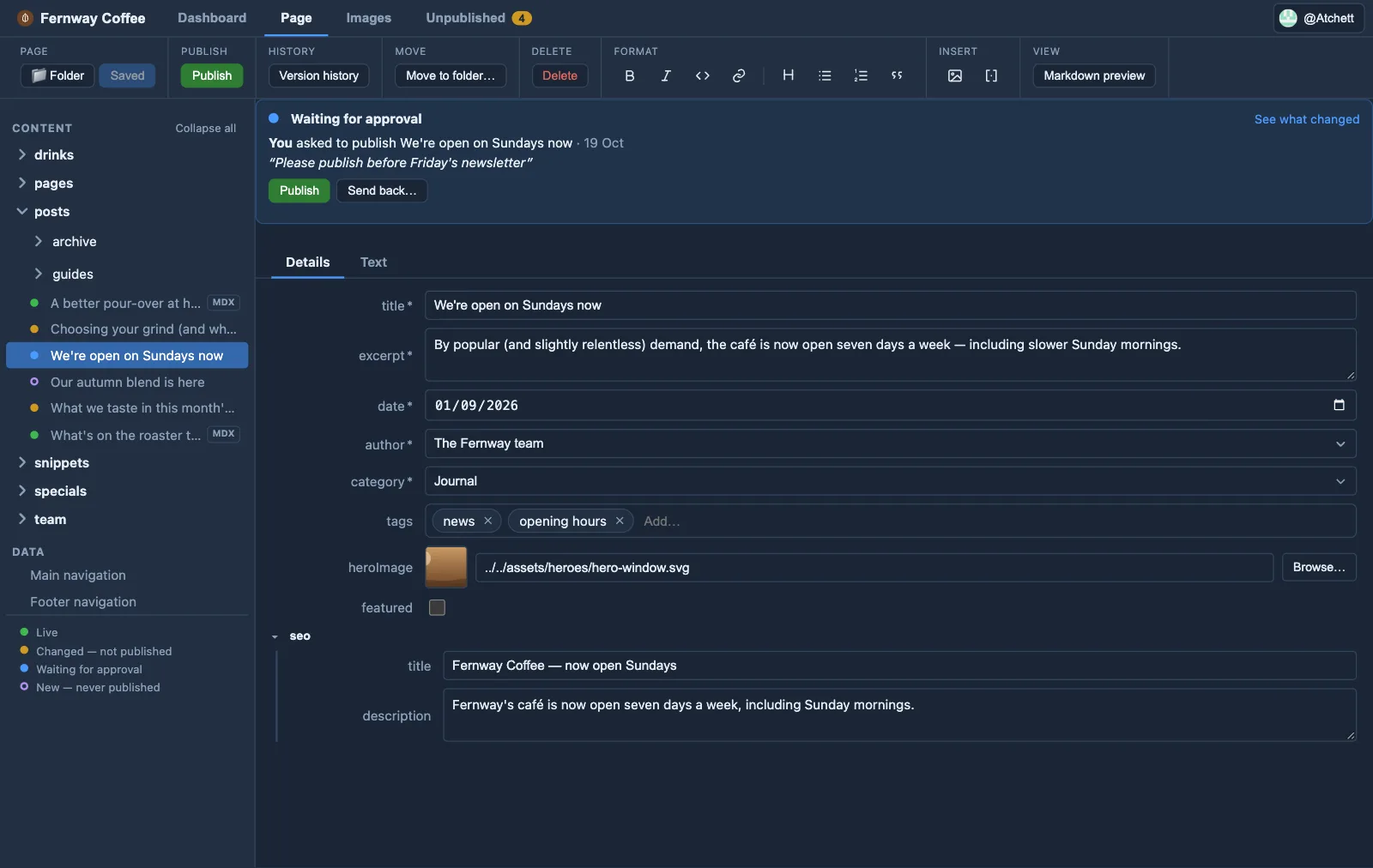
1 Open your site
Sign in with GitHub and pick your site — or paste its address. Orbit keeps a copy on your Mac.
-
2 Edit in simple forms
Change the words, images and data. The layout and design can't be touched.
-
3 Save, then publish
Saving sends your change to a preview. Publish — or ask someone to — and your site updates as usual.
For the people who write
No code, no Markdown files, no git — just forms, a preview and a Publish button.
For the developer who built the site
Nothing to host or install on the site. Every change is a normal git commit, with a clean diff.
What Orbit MD does
A form, not a file
Orbit reads your content schema and builds a typed form — dropdowns, dates, image pickers, reorderable lists. Editors fill in fields; you keep your Markdown.
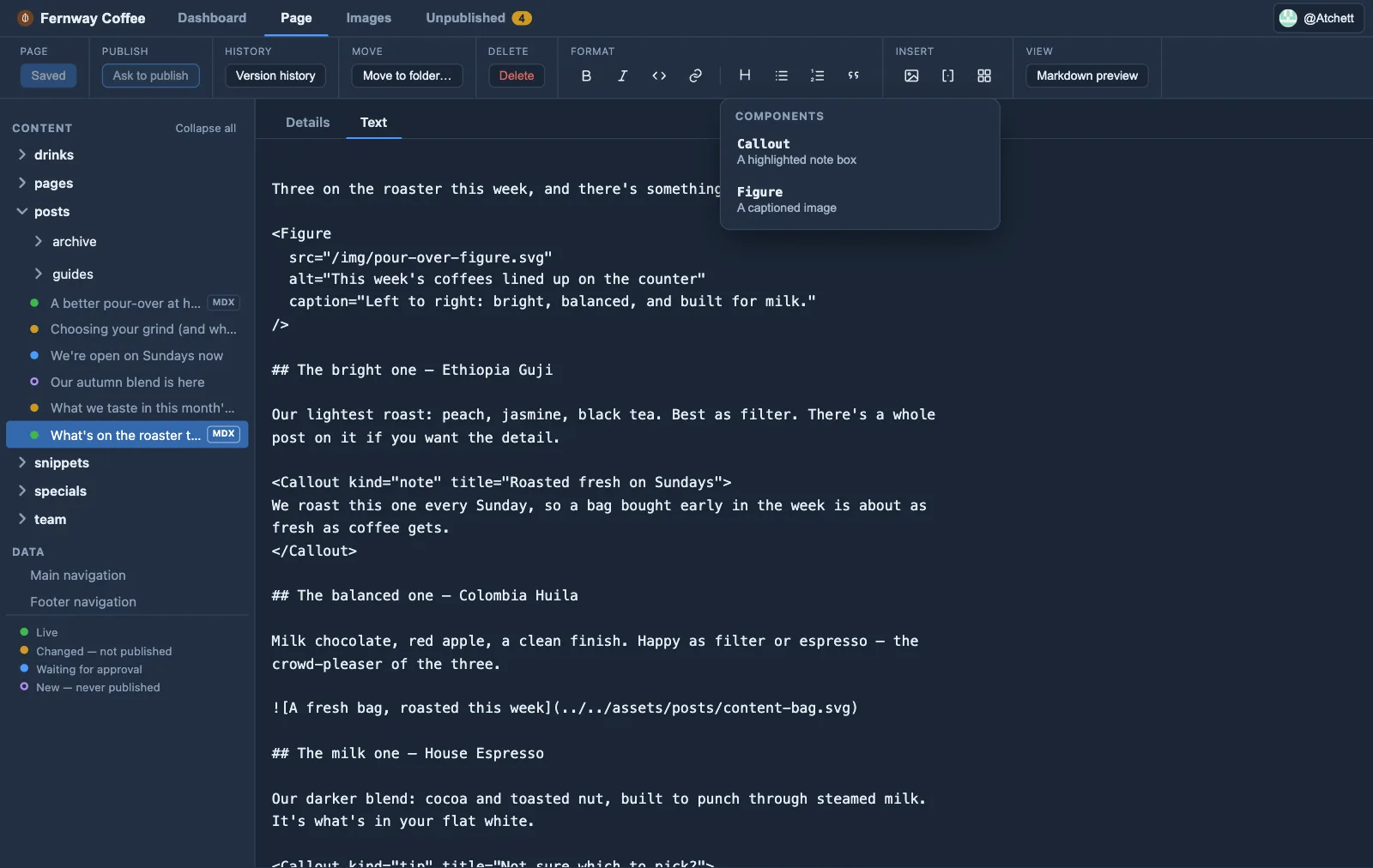
MDX components
Insert the components a developer declares — from a small form, not raw JSX — and they render in your MDX pages.
Reusable snippets
Insert shared blocks of text by name — edit the block once, and every page that uses it updates.
Editable data files
Nav lists, config objects and other JSON — edited through a form, not a code file. You choose which files editors can touch.
Markdown preview
Turn on the preview pane to see your writing formatted beside the text — headings, links and images shown properly, and the components you use as labelled cards.
Accessibility tips
Orbit spots images with no description and headings that skip a level, so every page works for people using screen readers.
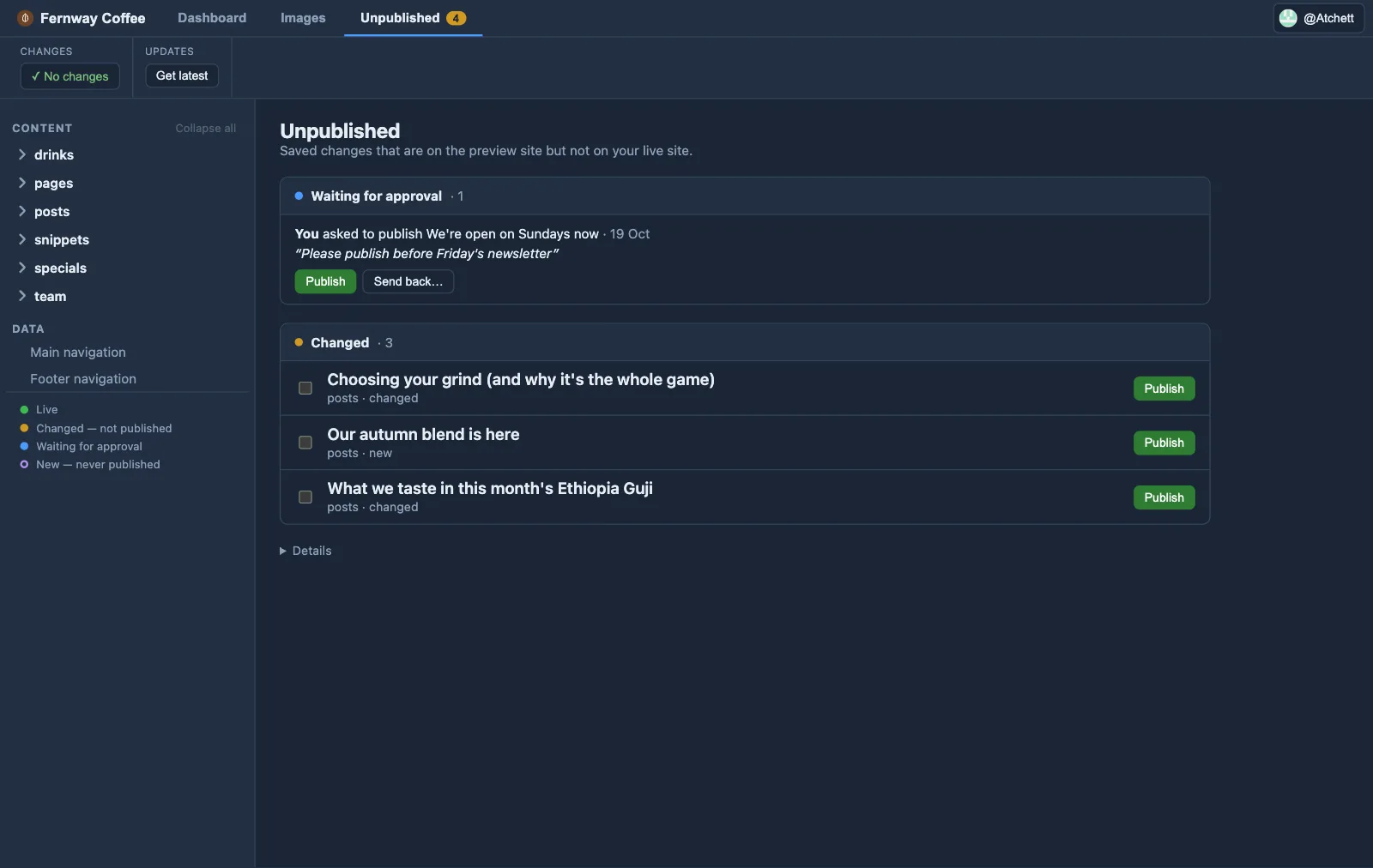
Publish safely
Every page shows whether it's live. Saving puts changes on your preview site; publishing — by an approver, or on request — puts them live.
Editor & Developer modes
Editors get a clean, jargon-free surface; developers keep branch controls and settings — two views of the same app.
Fits your site as it is
Orbit reads your content schema, snippets and image fields as they already are — and lets you expose MDX components to editors with a short declaration.
Images
Browse your site's images by folder, upload new ones, and Orbit inserts the right reference — no file paths to type.
Folders
Organise pages into folders — create them, move pages between them, delete them — within rules your developer sets.
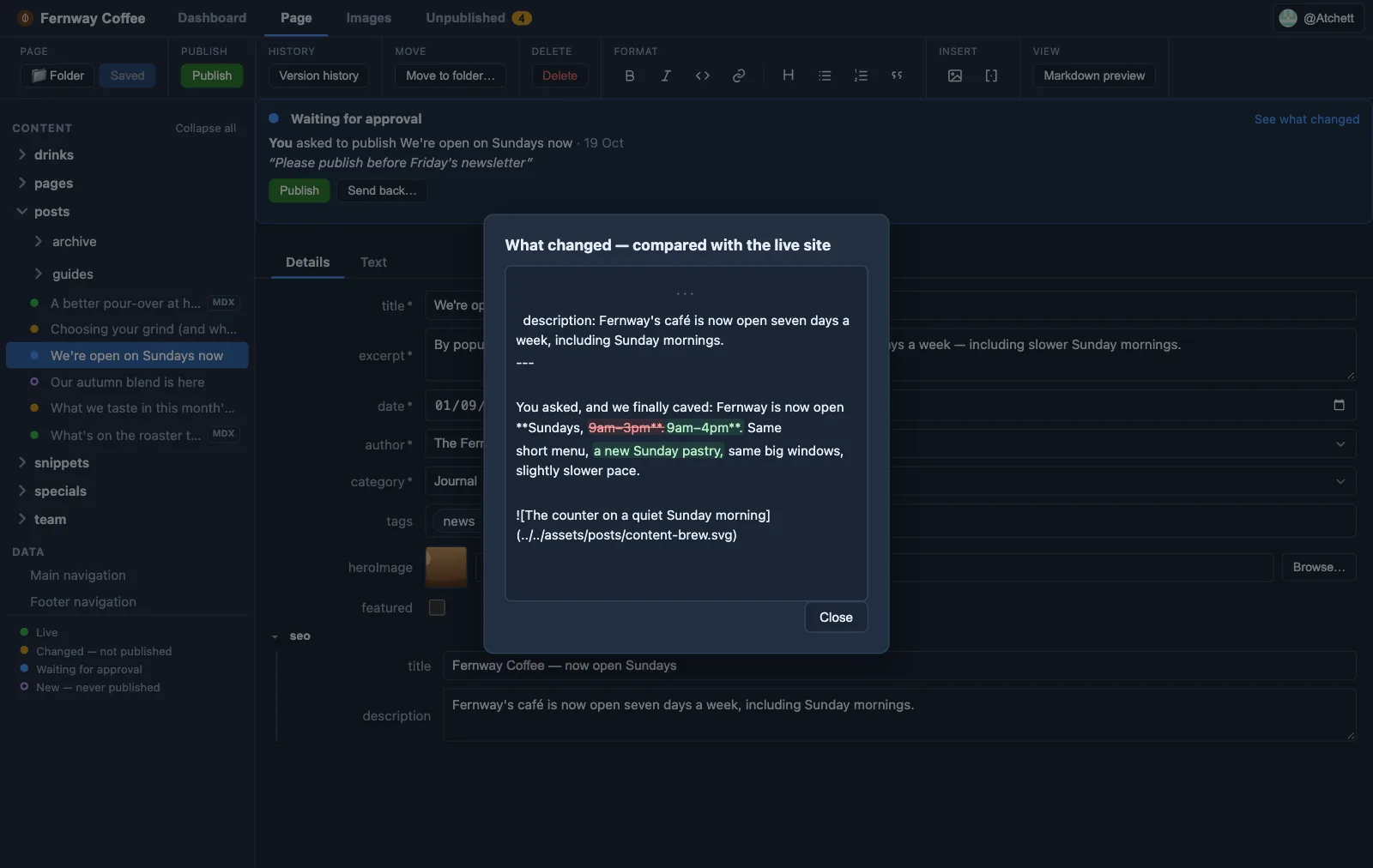
Version history & undo
See every earlier version of a page, what changed each time, and bring one back — or undo changes that aren't live yet.
Friendly conflict resolver
If someone else changed the same page, Orbit shows both versions side by side and lets you choose — no merge conflicts to untangle.
Preview windowSoon
Browse your preview site in a window inside Orbit. Orbit knows which page you're on — click Edit to change it, and the window reloads once your change is built.
Sign in with GitHub
Sign in with your GitHub account and open your private sites with no other setup — your role on each site comes straight from GitHub.
Nothing else to installSoon
Git bundled inside Orbit, so editors download one app and nothing else — on every platform Orbit ships.
Why Orbit works this way
Guardrails, not free rein
Editors change the words and the data — never the design. No plugins to bolt on, nothing that can quietly break the layout you built.
Local, not another login
A desktop app your editors just open — no new online account (they sign in with the GitHub account they already have), no hosted service, and nothing to run from a code editor. Git-based editors like Decap and Tina are lovely; Orbit keeps the whole thing on your computer.
The git safety net
Every change is a real commit: full history, clean diffs and easy rollbacks — the workflow developers already trust, without asking editors to learn it.
Make your site Orbitable
For developers: a few habits that put every word in reach of your editors, and keep the design in yours.
Words in content
Pages and posts in content collections — most Astro sites already are. Orbit reads your schema and turns it into a form.
Design in code
Words written into .astro components move to a content entry the
page reads. Layout, classes and styling stay where they are.
Check what's covered
Open the site in Orbit and see What Orbit edits — every editable section, and anything still stuck in code, with the fix.
Or ask your AI assistant: "Read orbitmarkdown.com/llms.txt and make my site Orbitable." Set up with AI →
Works with your site generator
If your site's content is Markdown and data files in git, Orbit can edit it. Astro works with no setup; other generators need a short content map. A macOS app today, with Windows and Linux on the way.
Download Orbit →From the blog
- A website with no admin login 26 October 2026
WordPress and other server-built sites run code on every visit and have a login page anyone can find. A static site built from Markdown has neither.
- Orbit MD 1.1.1: tidier editing 19 October 2026
Orbit MD 1.1.1 splits each page into Details and Text tabs and shows lists to suit what they hold, with tags as chips, photos as a gallery and FAQs as cards.