Editing content
Images & snippets
Images & the assets directory
Orbit resolves and previews images and offers a picker/upload. Assets live in the
assets directory — default src/assets, changed via assetsDir: in
orbit.config.yaml.
- In the body:
(doc-relative),/x.png(from the folder your site serves at its root —public/for Astro and Next.js,static/for Gatsby and Hugo), or anhttp(s)://URL. - In frontmatter: an image field — Astro’s
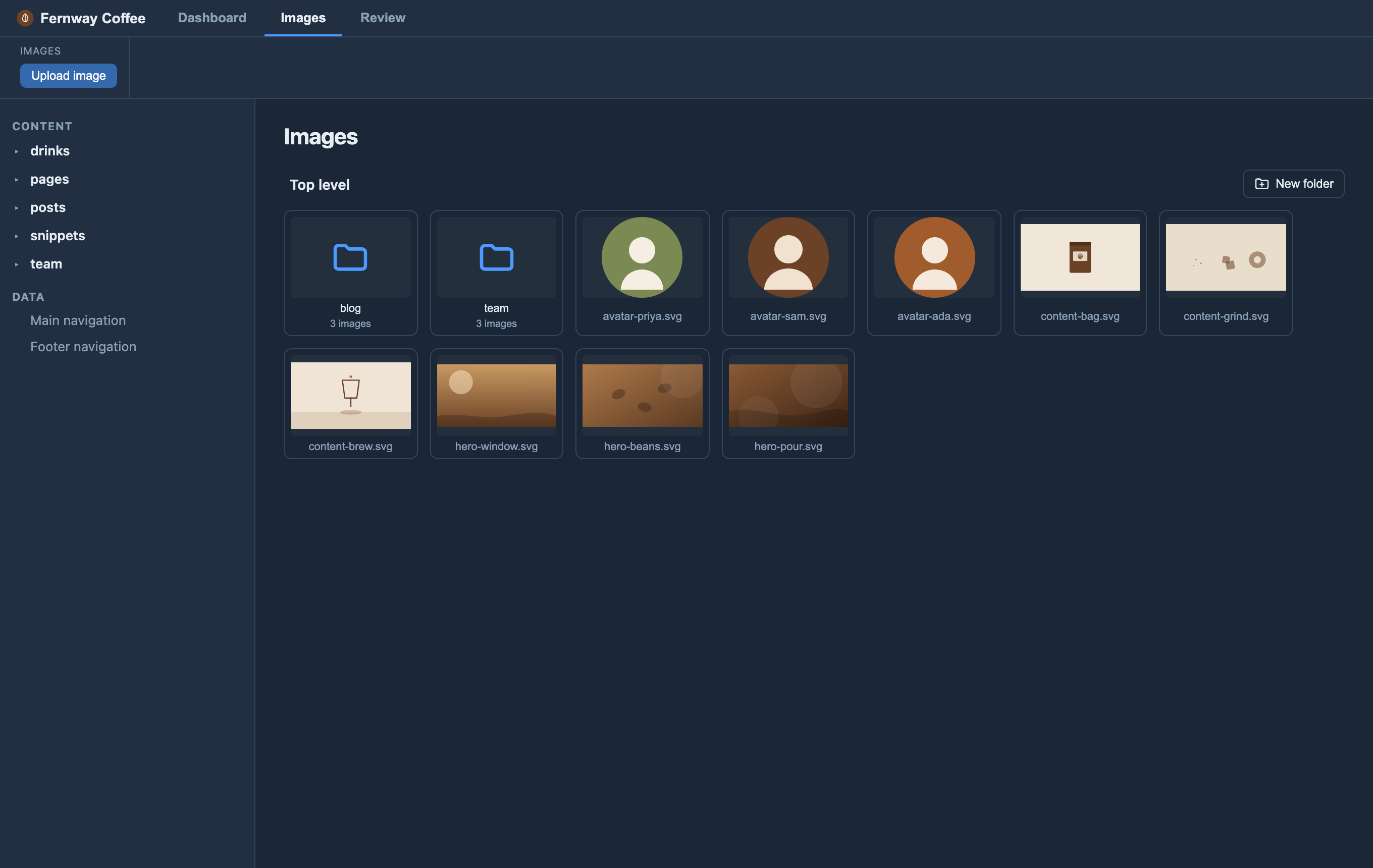
image(), a content-map field of typeimage, or an inferred one (a value ending.jpg,.png, …) — shows a thumbnail + Browse. - Folders: browse images by folder in the Images tab and the image picker — click a folder to open it, and use the path at the top to step back out. Upload puts the image in the folder you’re looking at, and New folder makes a folder to upload into (it’s created with its first image). The picker remembers the last folder you used.
- Orbit writes the reference the way your site expects: from the root
(
/images/x.png) whenassetsDiris inside the root-served folder (public/, orstatic/on Gatsby and Hugo), otherwise relative to the page (../../assets/x.png), however deep the page and the image sit in their folders. - Pages with their own folder (a Gatsby post’s
my-post/index.md): the picker shows this page’s images first, and an upload goes into the page’s folder, as./photo.jpg. After you pick an image, the cursor sits in its description — type what the picture shows (its alt text) for people who can’t see it.
Set up (developers): keep images under your assetsDir (default src/assets;
change it with assetsDir: in orbit.config.yaml — e.g. public/images on a
Next.js site, static/images or src/images on Gatsby). On an Astro site, type a
frontmatter image field with Astro’s image() helper to get the thumbnail +
picker; on another site, list it as type: image in the
content map, or let Orbit infer it.
schema: ({ image }) => z.object({ cover: image() }),See Astro’s Images guide and images in content collections.
Snippets — reusable blocks
Editors can insert [[name]] placeholders that expand to shared snippets — one
Markdown file per snippet, body only — kept in the snippets folder:
src/content/snippets/ on an Astro site, snippets/ at the root on any other, or
wherever snippets.dir says. It works the same on every site generator. Two modes,
set in orbit.config.yaml or Site settings ▸ Snippets:
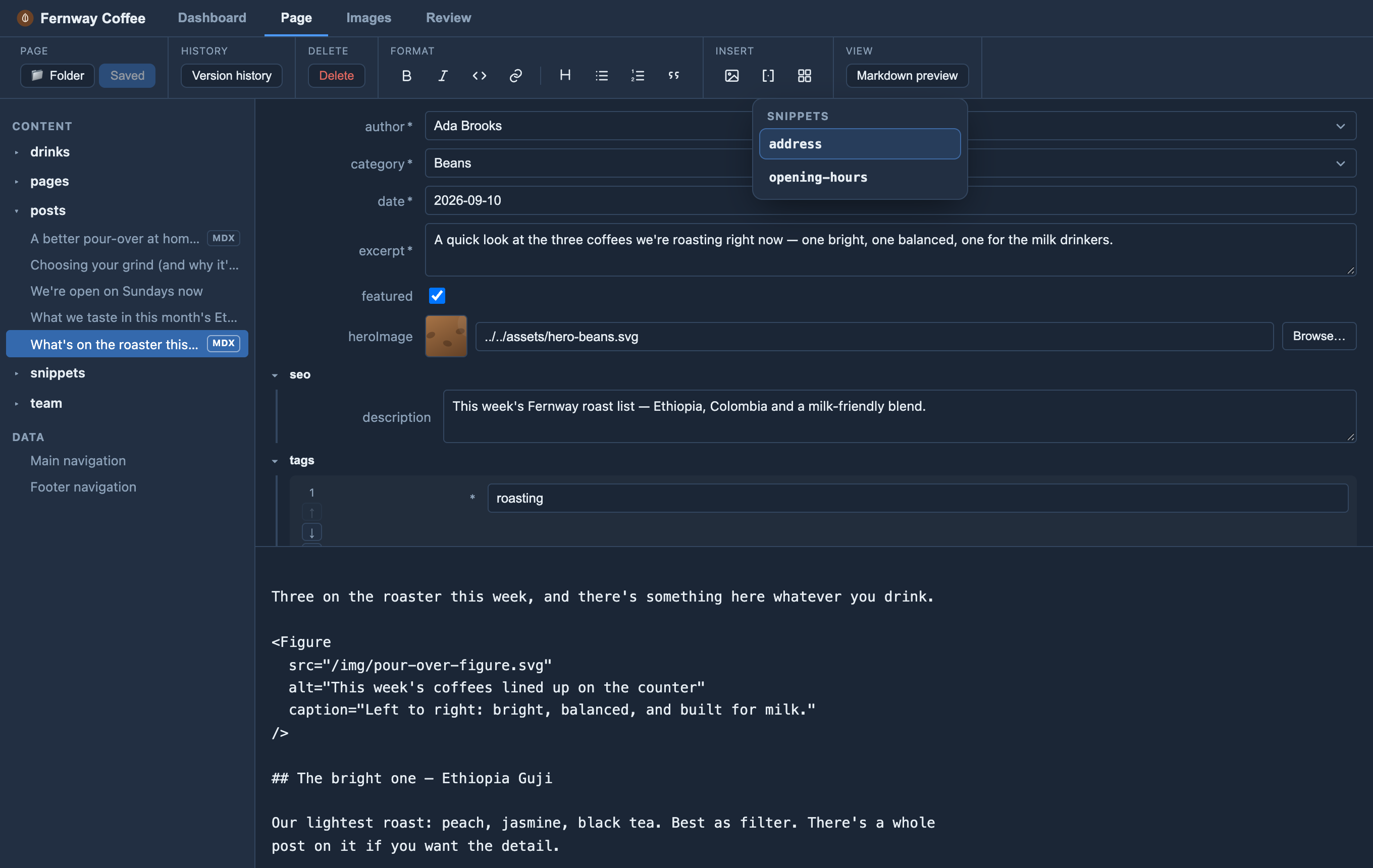
[[name]] placeholder from your shared snippets.snippets.compileOnSave: false(default) — the[[name]]placeholder stays in the file and your site’s build expands it (a remark plugin or loader). Use this if your build has one.snippets.compileOnSave: true— Orbit inlines the snippet’s text into the file on save. Use this if your site has no loader.
Set up (developers): [[name]] is Orbit’s own convention, not a feature of
any generator — so you decide how it expands at build. Turn snippets on in
Site settings ▸ Snippets (it creates the folder), or create the folder yourself
with one body-only Markdown file per snippet (opening-hours.md →
[[opening-hours]]). Then either:
- Write a build-time loader that reads the snippet files and replaces
[[name]]when your site builds (keepcompileOnSave: falseso the source keeps the placeholder), or - Skip the loader and set
snippets.compileOnSave: true— Orbit inlines the snippet text into each page on save, so the built output needs no loader.