Getting started
Licence keys
Orbit is free for one site, with every feature. To work on more sites, buy Pro (one person) or Team (5, 10 or 25 people) — both are one-time payments. See pricing.
Entering your key
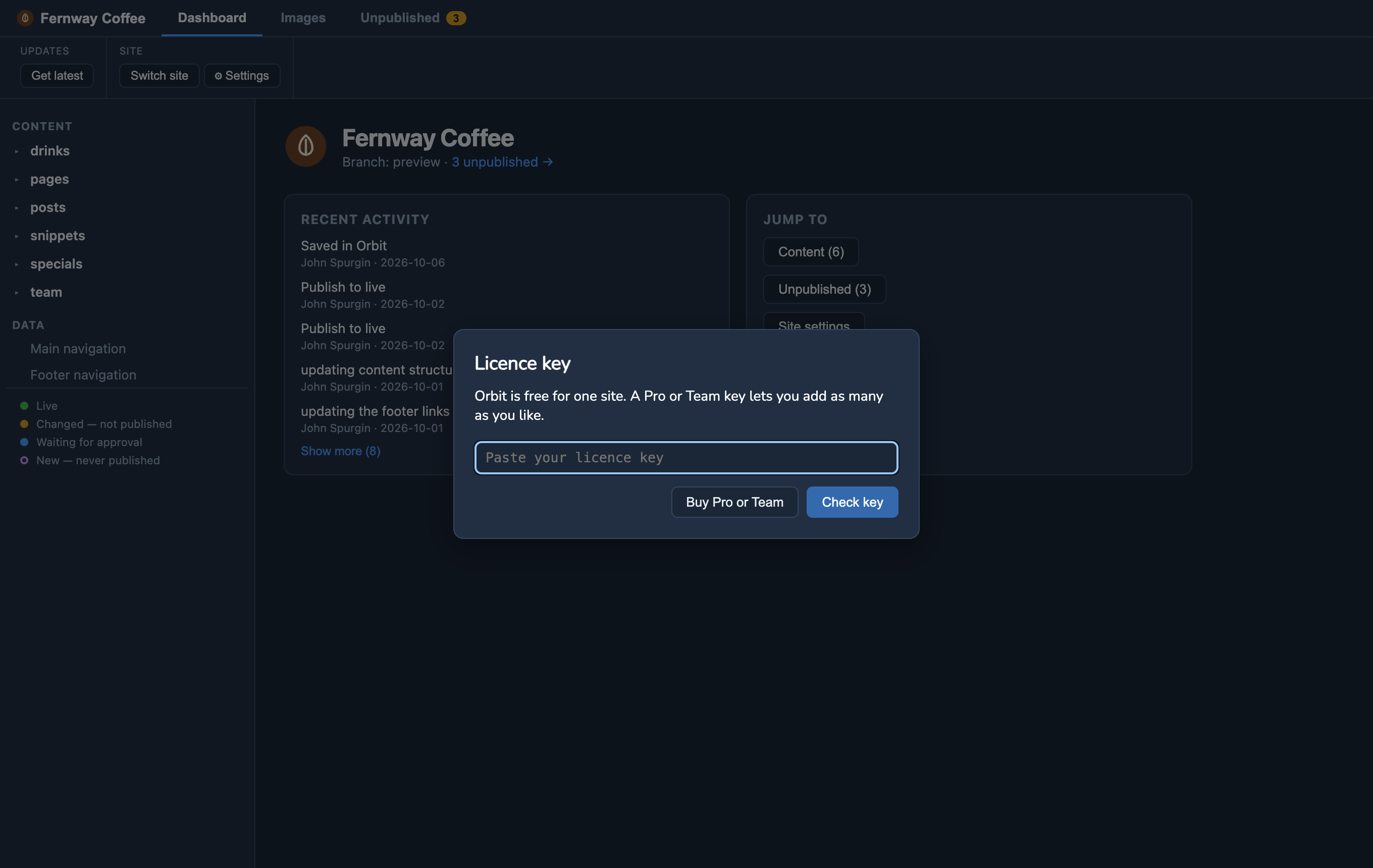
Your key arrives by email straight after you buy. In Orbit, open Help ▸ Licence Key…, paste the key and choose Check key.
- Orbit activates the key on this computer, once, with the licence service — so you need to be online for that moment. After that it never checks again: Orbit works offline, and a licence can’t lapse or lock you out.
- Each key works on a set number of computers: Pro on 2 (say, a laptop and a desktop), Team on one per seat — 5, 10 or 25. One computer too many is refused with a message saying so.
- Activating sends the key and your computer’s name (so you can tell your computers apart in your account) — nothing about your sites.
- Once it’s accepted, the window shows who the licence is for and how many computers it allows.
The one free site
Without a key, Orbit works on one site at a time:
- Adding a second site opens the licence window instead. Enter a key, or remove your other site from the start screen to swap — that’s allowed.
- The Orbit demo site doesn’t count, so you can always try things there — open it from Help ▸ Open the Demo Site, or the link on the start screen. Edit anything; your changes stay on your computer (publishing is off for the demo), and Start over puts it back as it was.
- Sites you already have always open, licensed or not.
Moving to another computer
To use your key on a new computer, first free a place: choose Remove licence in Help ▸ Licence Key… on the old one (you need to be online). If that computer is gone, remove it from your Polar account instead — the link is in the email your key came in. Removing a key never affects sites already set up — only adding more.
Team keys
A Team licence is one key for the team, working on one computer per seat (a 5-seat Team on 5 computers). Share it with the people who edit. When someone leaves, they remove the licence on their computer, which frees the seat for the next person. Need more people? Buy a bigger Team, or a Pro licence for one more person.
Licences for your clients
Building sites for clients? A client editing their own site needs nothing — Free covers one site per person, with every feature, however many sites you build or look after for them. You use your own Pro or Team key.
When a client does need a key — they look after more than one site, or more than five of their people edit with Orbit — you can:
- buy Team seats and include them in your build price (the seats are yours to move if their staff change), or
- give them a key at no cost to them, using a discount code from the checkout, so the key is emailed to them straight away.
Either way the key belongs to the person who uses it. See the terms.
Updates and versions
A key covers every 1.x update, for good. If there’s ever a version 2, owners will get a discounted upgrade, and 1.x keeps working whatever you decide.
Extras for Pro and Team
Buying Pro or Team also gives you access to the Orbit Extras repository on GitHub: ready-made sites set up for Orbit, organised by site generator (Astro, Gatsby, Next.js and Nuxt). After buying, connect your GitHub account in Polar’s customer portal (the link is in your receipt) and you’ll be invited.
Help
Lost your key, or it won’t activate? Email support@orbitmarkdown.com. Questions about buying, team licences or invoices: sales@orbitmarkdown.com.
See also the terms — including when an organisation needs Team.