Getting started
Overview
Orbit MD lets non-technical editors change your site’s content — the Markdown and data files in its git repository — through a form-based UI. An Astro site’s content collections work with no setup; a site built with another generator (Gatsby, Next.js, …) describes its content in a short content map. Saving puts changes on a preview site; publishing puts them on the live site. Every page shows whether it’s live; editors ask to publish, an approver publishes in Orbit with no trip to GitHub, and your branch protection on GitHub decides who can approve. See Branches & publishing and Setting up your GitHub repository.
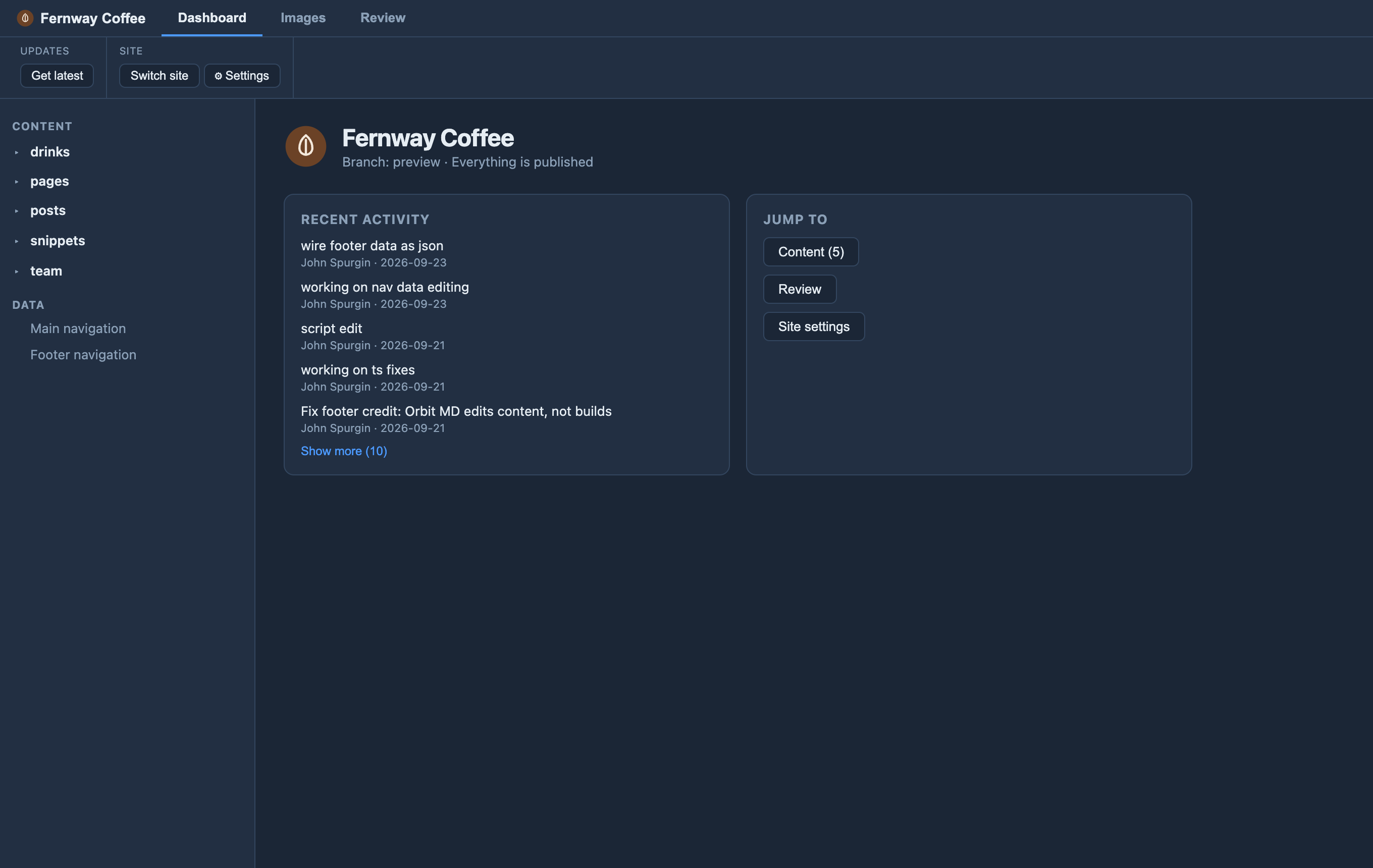
These docs are for the developer or site owner setting a repo up so Orbit can open, understand, and edit it. Your editors don’t need any of this — they open the site and start editing.
The two requirements
Orbit treats a repo as editable only when both are true:
astrois a dependency inpackage.json, and- A content config file exists (see Astro versions for the exact path per version).
If either is missing, Orbit won’t clone it — you’ll see “not an editable Astro site”. This belt-and-braces check keeps editors from opening repos Orbit can’t actually help with.