Configuration
Repo layout
Orbit does a partial + sparse clone — it fetches only src/content (plus your
assetsDir and the folders holding any declared data: files) rather than the
whole repo. A couple of conventions keep that working:
- Editable content usually lives under
src/content/, but it doesn’t have to: if a collection’sglob()loader points somewhere else (AstroWind keeps its blog insrc/data/post), Orbit fetches and publishes that folder too. Keep assets underassetsDir(defaultsrc/assets) anddata:files where those entries point. - The content config is read via a single-blob fetch, so its location must be one of the supported paths (see Astro versions).
- Orbit only shows content history: the dashboard’s Recent activity lists changes to pages, images and declared data files. Code changes — layouts, dependencies, build settings — never appear there, so editors aren’t left wondering what “bump deps” means.
Schema-less fallback
With no content config, Orbit can still open a site manually: it discovers
collections by the folders under src/content/ and edits frontmatter generically
— no typed fields, no enums, no required markers. It works, but a content config
gives a much better editing experience, so prefer one.
Several sites in one repository
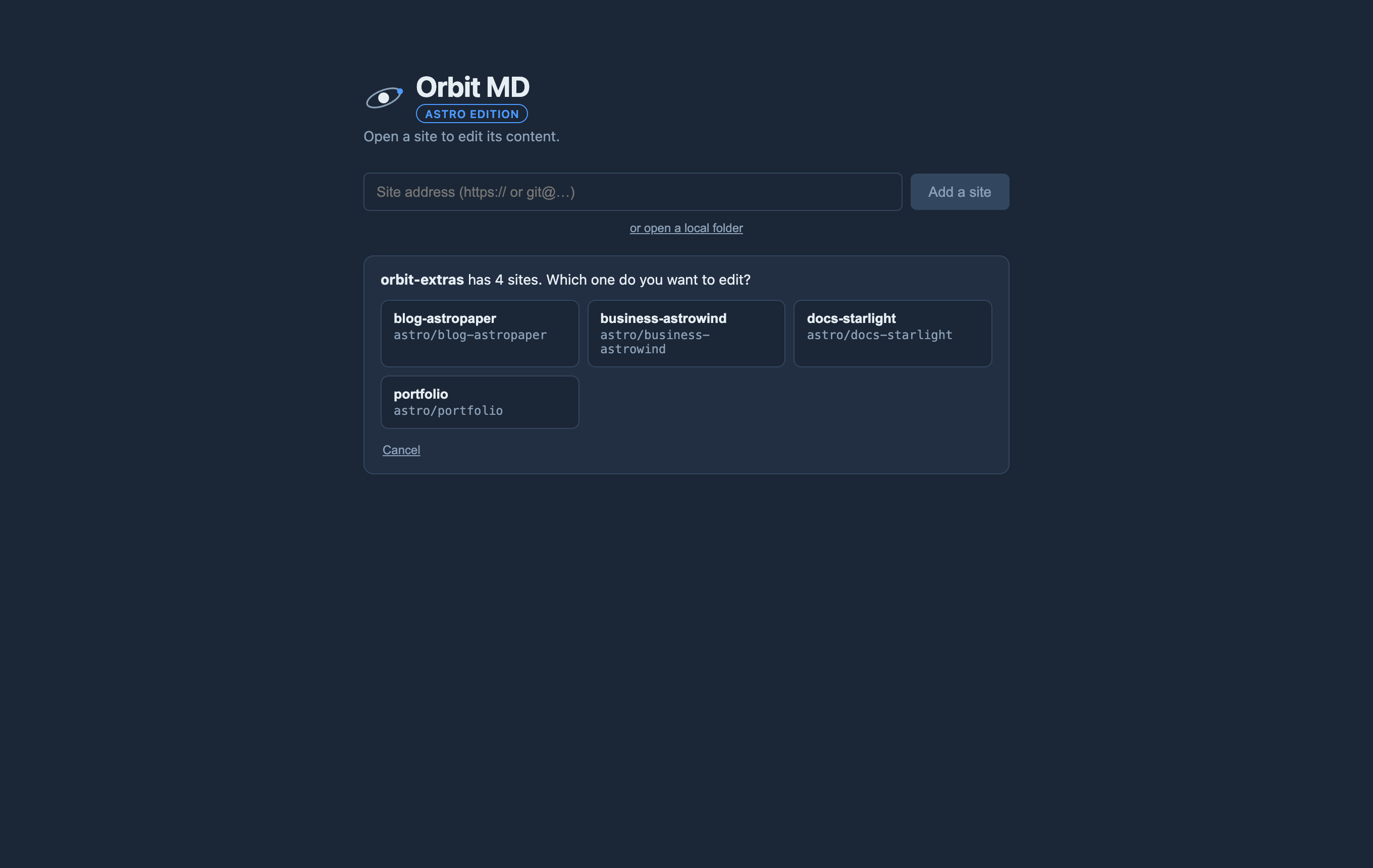
Orbit works with monorepos — one repository holding several sites in
sub-folders, such as sites/blog and sites/docs.
- Add the repository as usual. If its top level isn’t a site, Orbit lists every folder that holds an Astro site and asks which one to edit. It only downloads the content of the site you pick.