Publish safely
Every page shows whether it's live. Saving puts changes on your preview site; publishing — by an approver, or on request — puts them live.
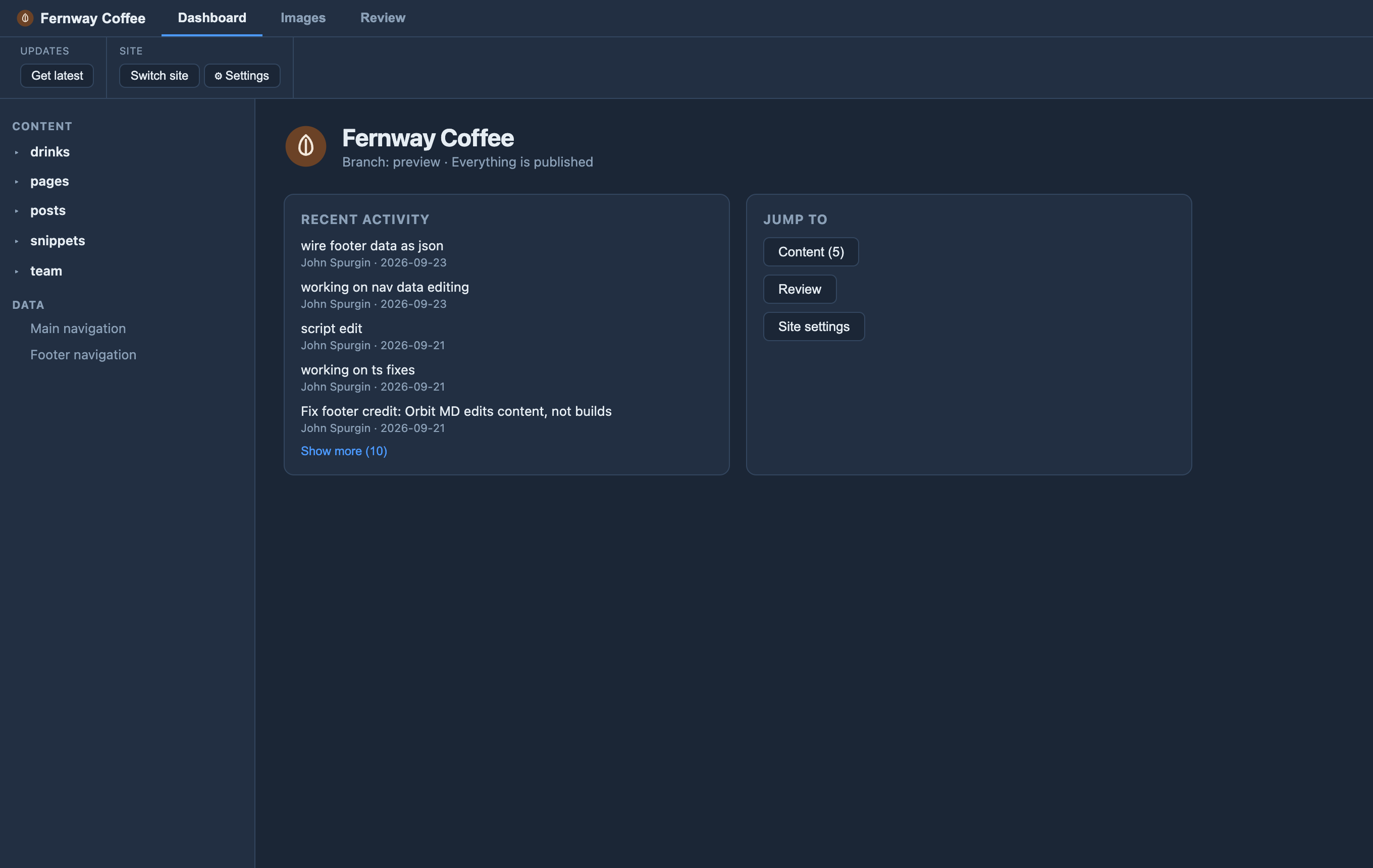
Every page in Orbit shows its status — New, Live, Changed or Waiting for approval — as a dot in the sidebar and a banner on the page. Saving puts a change on your preview site (Orbit sends it in the background), and Publish puts it on the live site, right from the page. Editors ask to publish, with a note; an approver checks what changed — the edits against the live site, as track changes — and publishes or sends it back with a reason. Who can approve is set on GitHub with branch protection, so small content changes go live without anyone visiting GitHub, and the live site stays protected. Unpublished lists everything waiting, so related changes can go live together. When two people change the same page, a simple side-by-side comparison sorts it out — nobody touches a merge conflict.