Editing content
The editor form
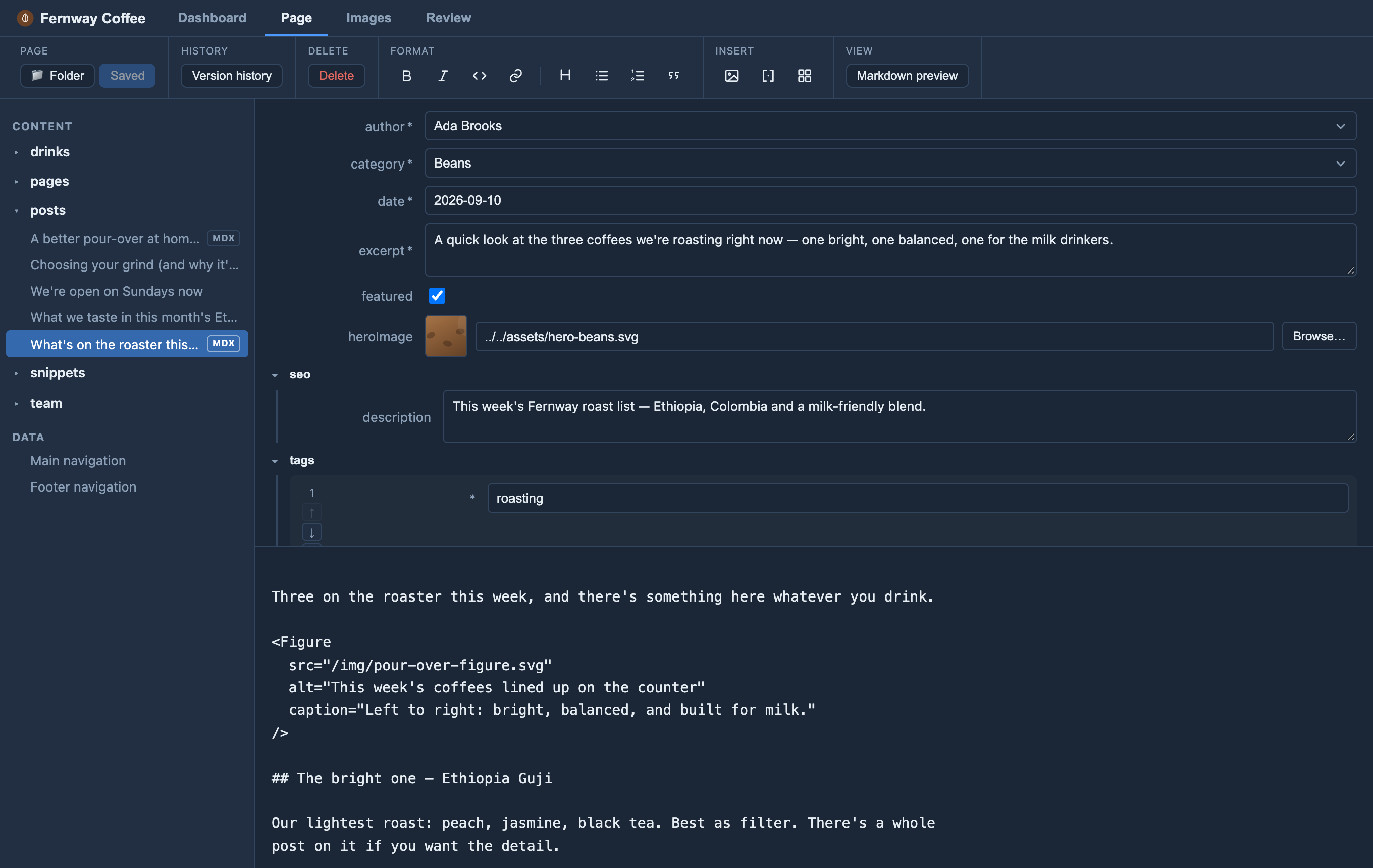
Orbit reads the Zod schema you already wrote and turns each field into a form control — editors never see raw YAML.
| Zod | Editor control |
|---|---|
z.string() |
text input (multi-line if long) |
z.number() |
number input |
z.boolean() |
checkbox |
z.date() |
date picker |
z.enum([...]) |
dropdown of the options |
z.array(...) |
ordered list with add / remove / reorder |
z.object({...}) |
nested, collapsible group |
image() |
image field with thumbnail + Browse/Upload |
Fields appear in the order you declare them in the schema, so put the ones
editors care about most (usually title) first.
Required vs optional
A plain field is required — marked *, and it blocks save until filled.
.optional(), .default(...), and .nullable() make it optional.
Accessibility tips
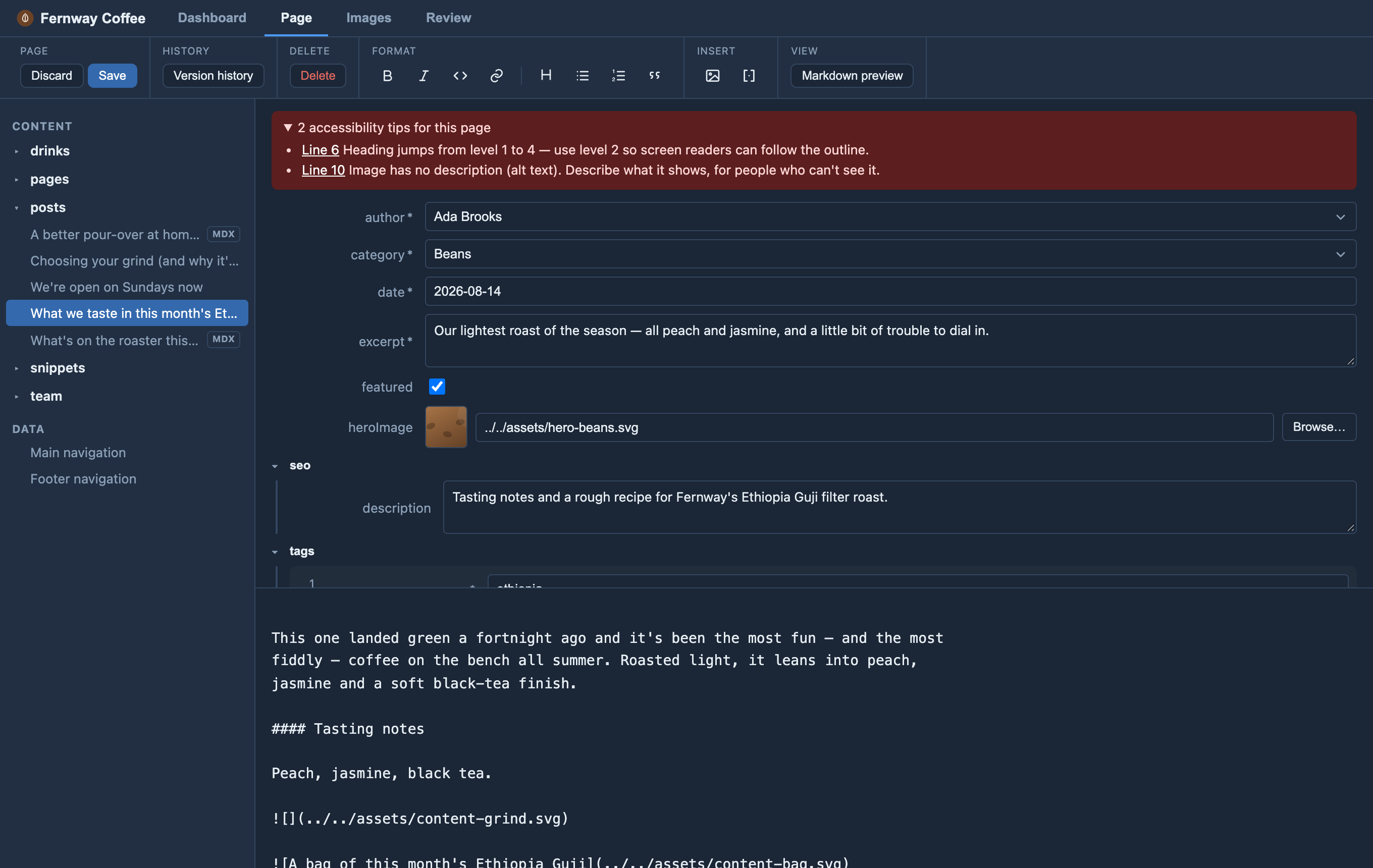
When a page has an image with no description (alt text) or a heading that skips a
level (say, ## straight to ####), a red accessibility tips note appears
above the form. Open it and click a line number to jump to the spot. Tips are
advice only — they never stop you saving.
Orbit assumes your layout shows the page title as the main heading, so headings in
the body should start at ##.
Write editor-friendly schemas
- Prefer enums over free strings where the set of values is known — editors get a safe dropdown instead of a place to make typos.
- Use clear field names and sensible
.default(...)s. - Use
image()for images so editors get a thumbnail and picker.
The more your schema says, the better the form Orbit can build from it. The schema is a standard Astro collection schema — see Set up a collection and Astro’s collection schema reference.